This isn’t a slideshow pretending to be a product. These are interactive demos you can actually click around in, try things out, and see how they work.
Go ahead. Change something. See what happens. That’s kind of the point.
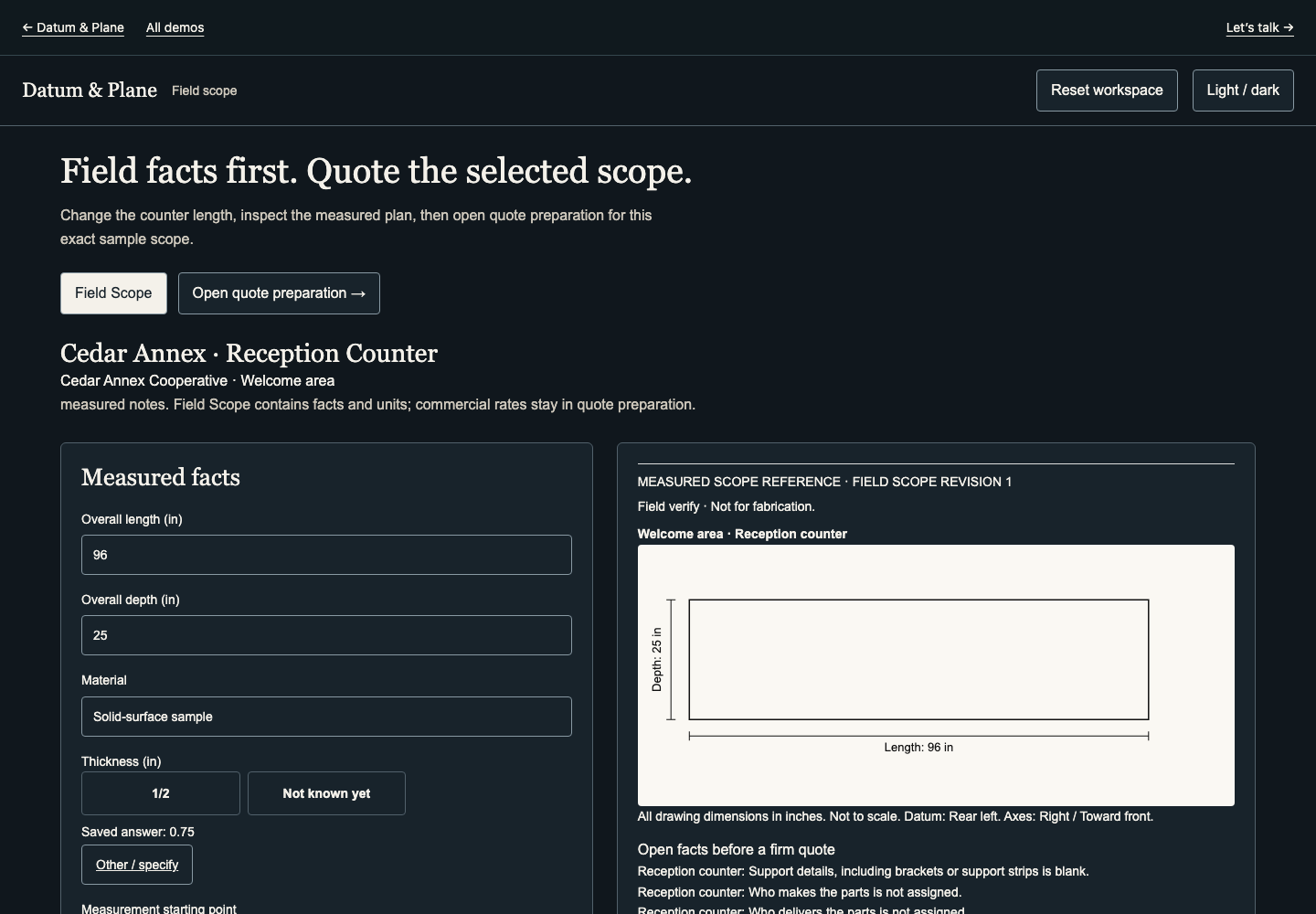
Field facts first. Quote the selected scope.
Change the dimensions and carry the measured scope into a quote.
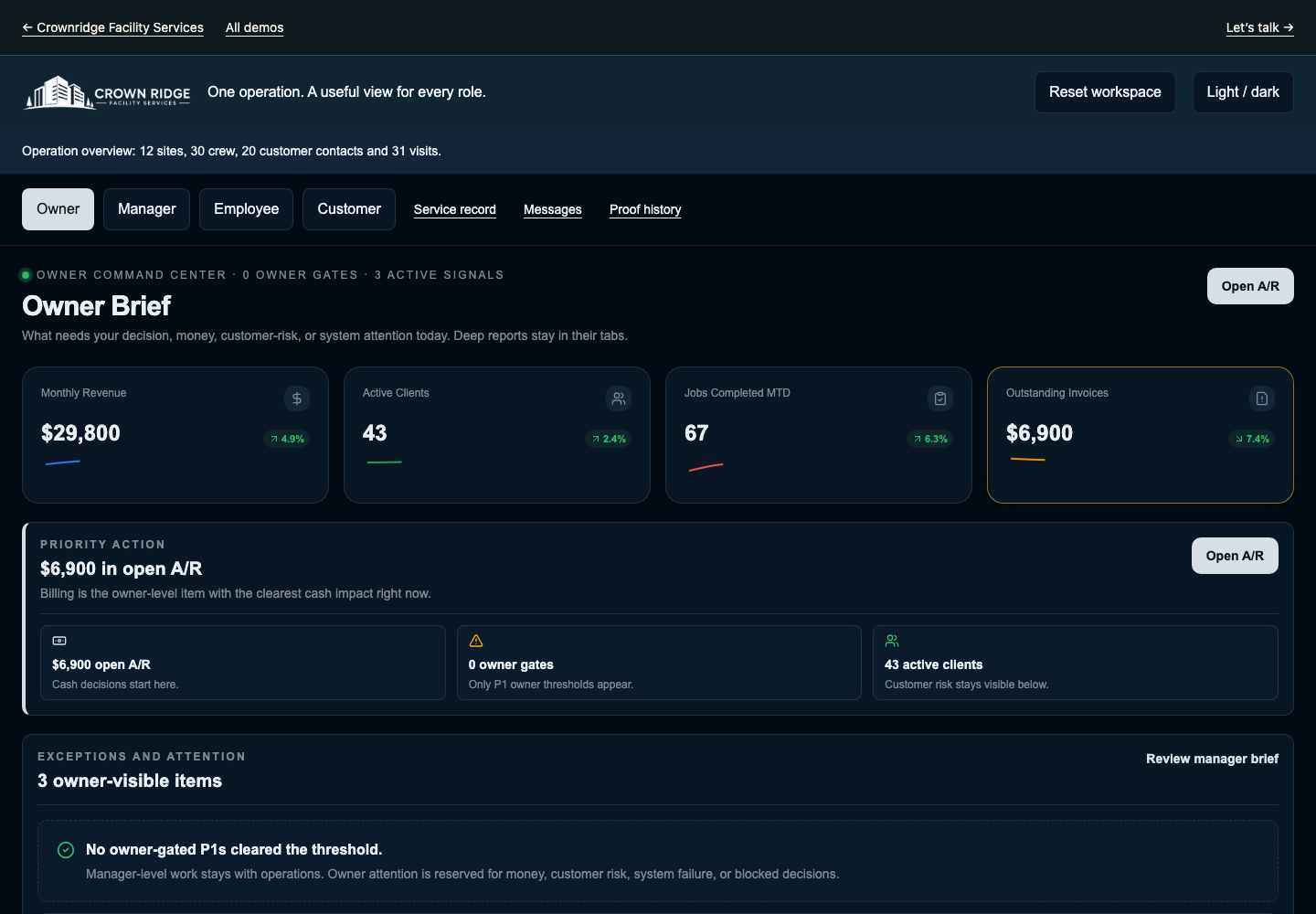
One operation. A useful view for every role.
Assign a crew, complete the job and follow the service proof.
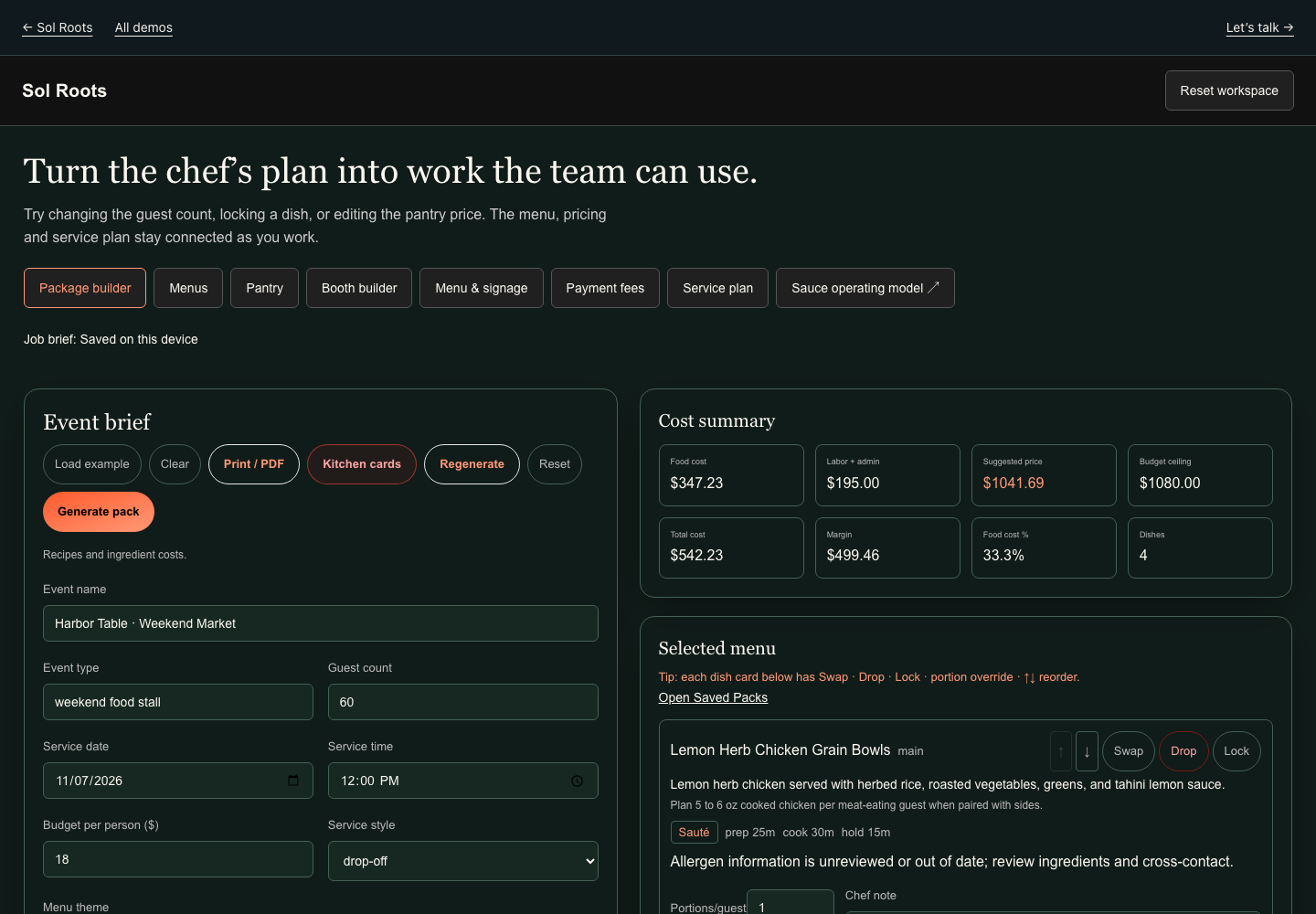
Turn the chef’s plan into work the team can use.
Turn the menu into a priced package and a preparation plan.
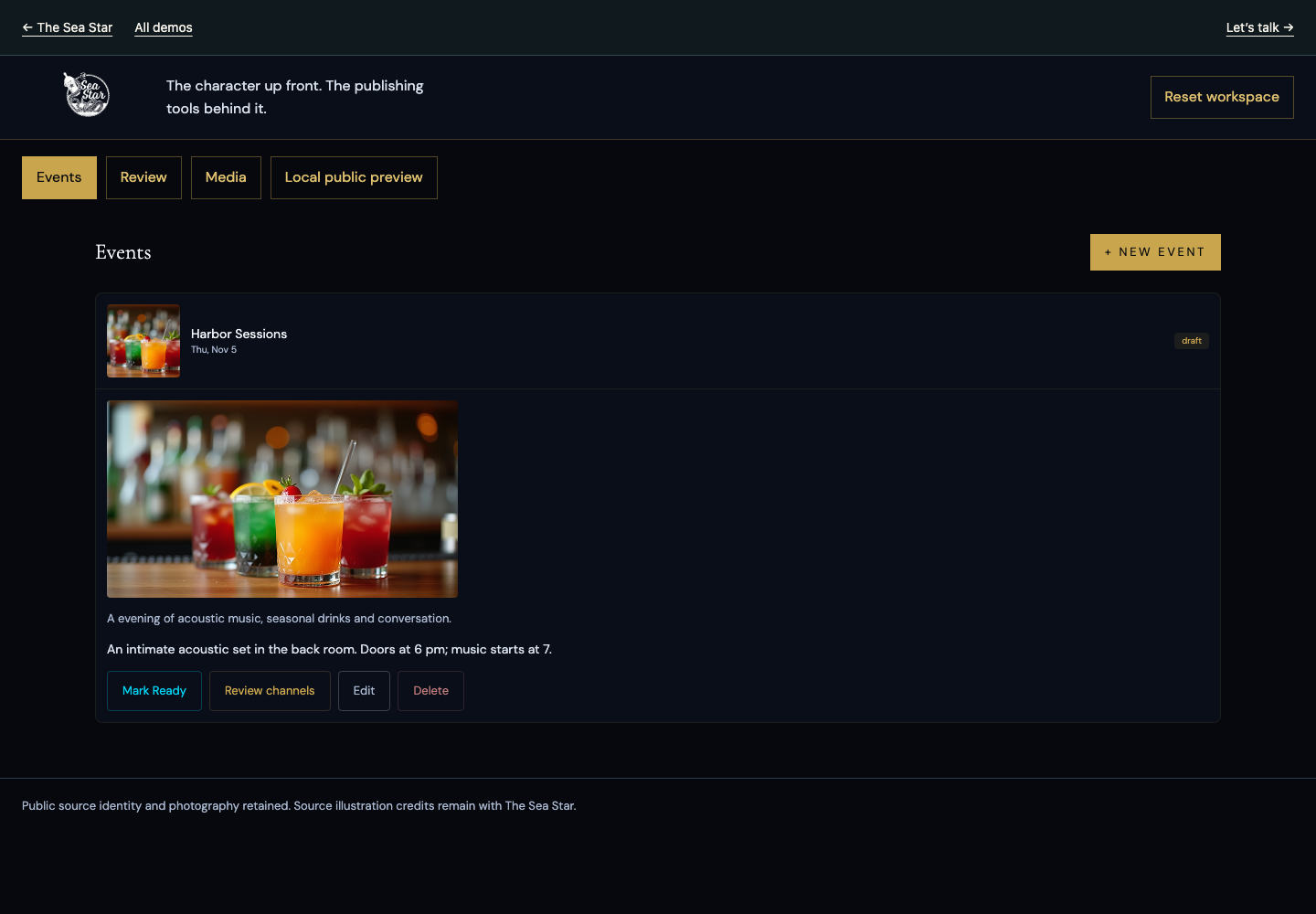
The character up front. The publishing tools behind it.
Take an event from the working draft into its website presentation.
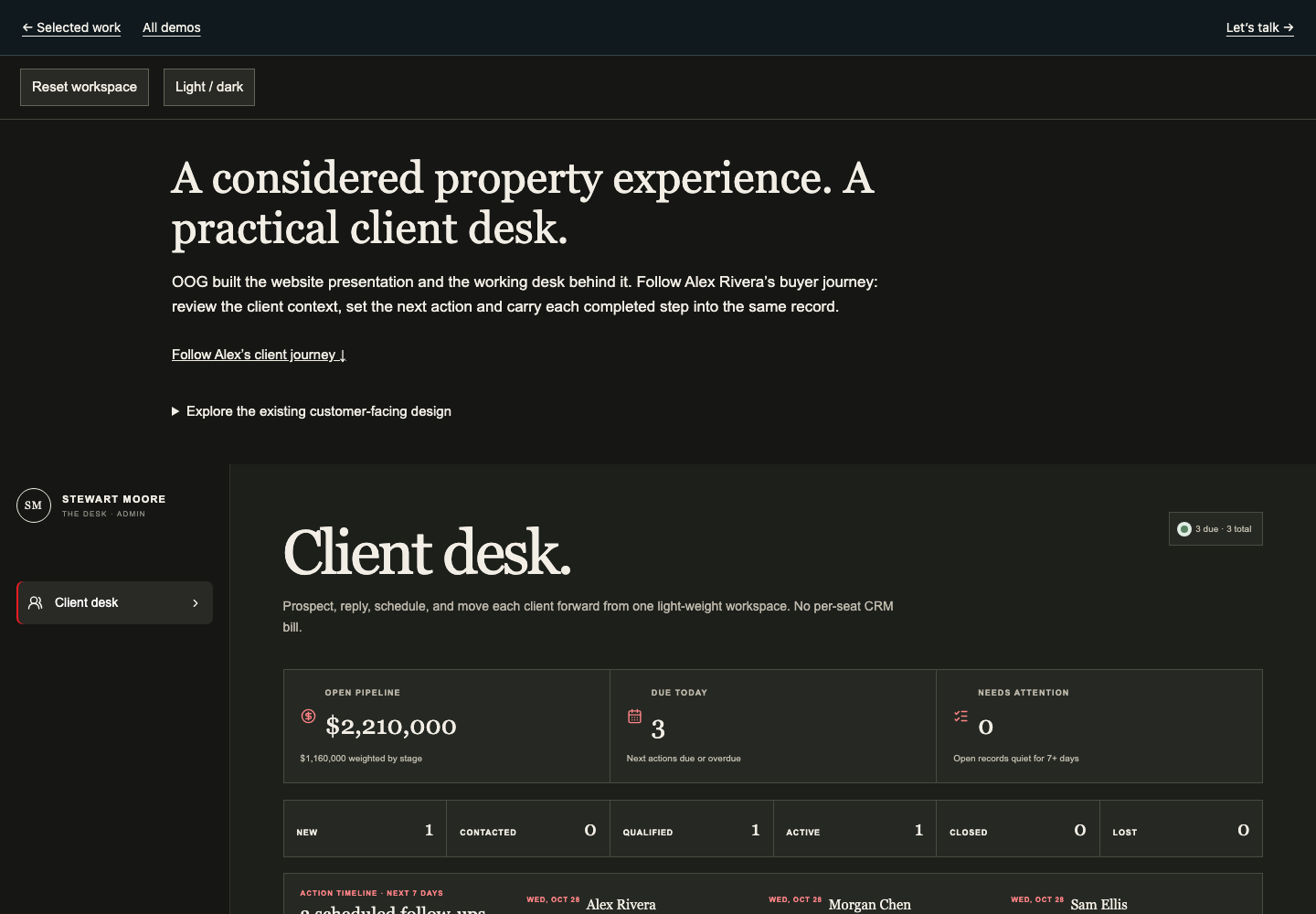
Keep the client, the next action and the journey together.
Follow a property opportunity through the working pipeline.
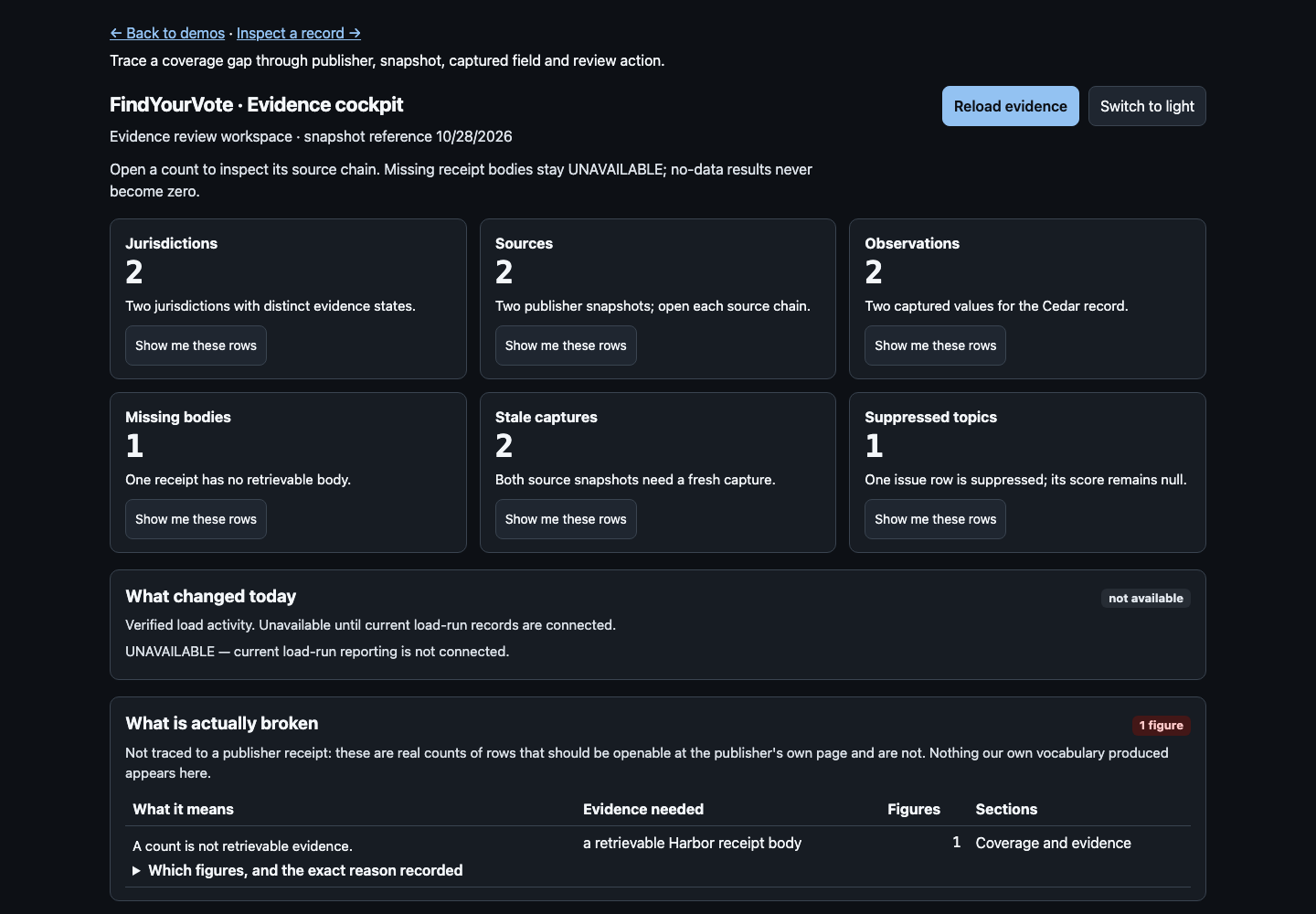
Trace the gap. Inspect the evidence. Move the research forward.
Trace a coverage question back to its supporting source.
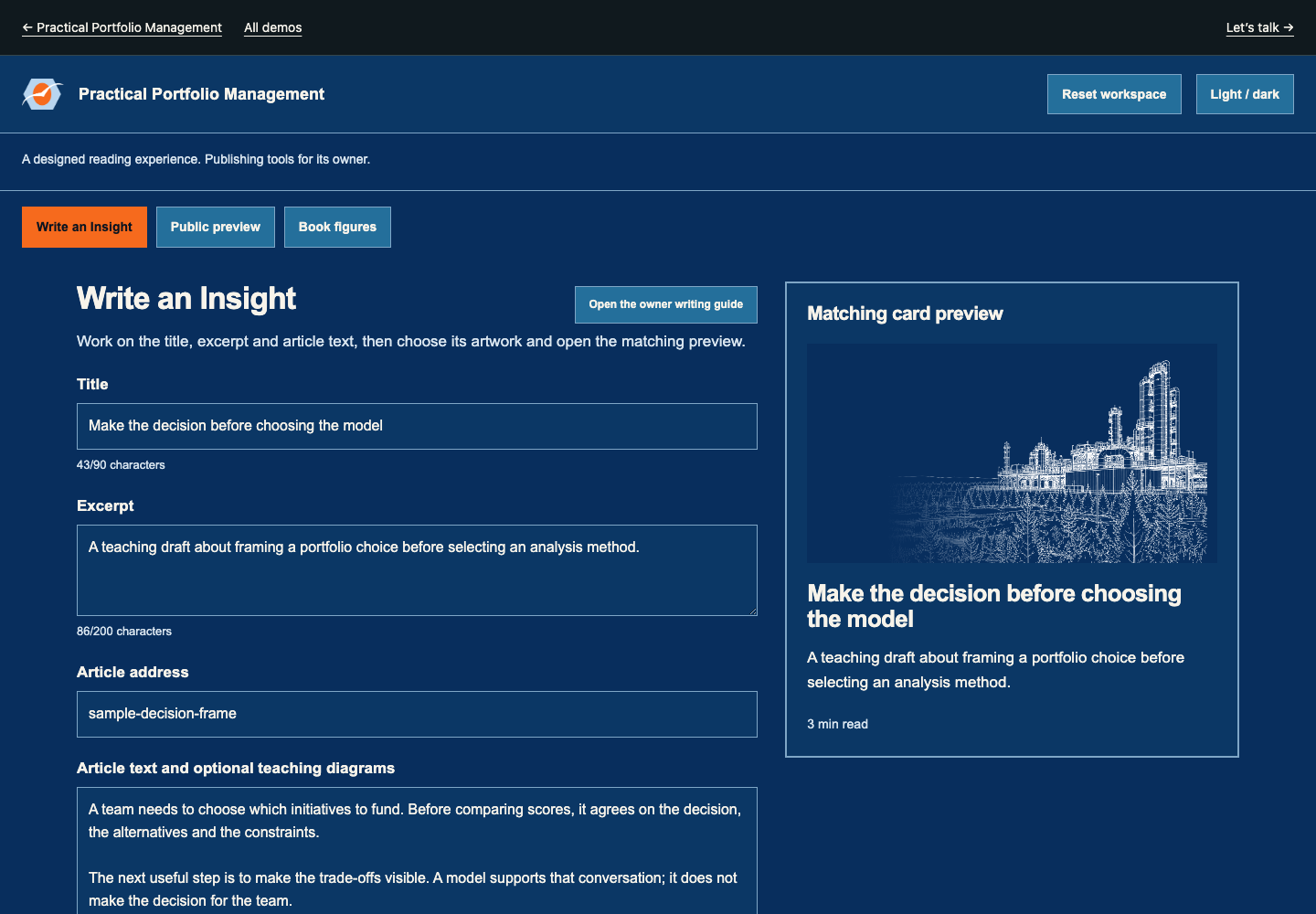
A designed reading experience. Publishing tools for its owner.
Write the article and see it in the designed reading experience.
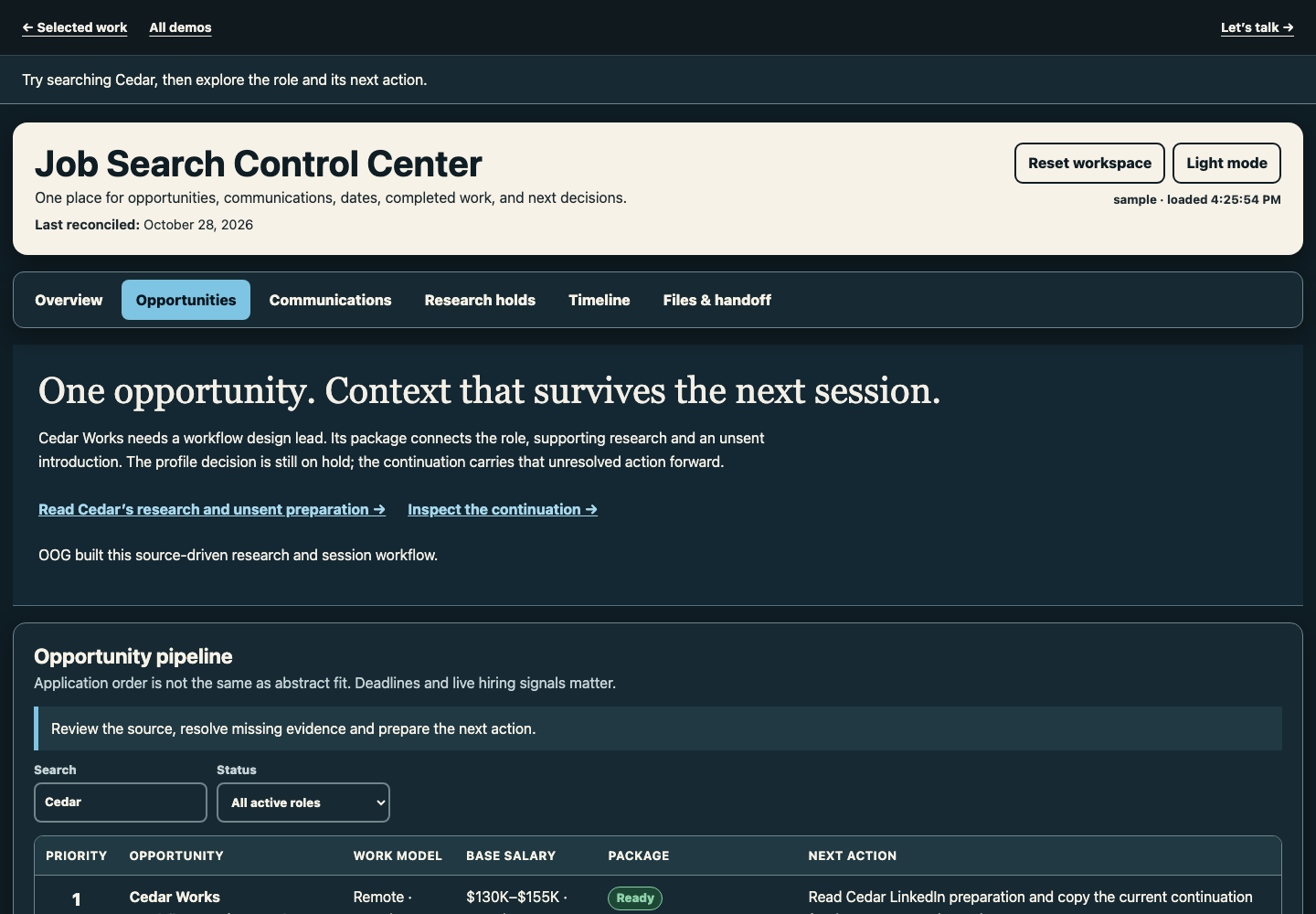
Keep the search, the research and the next move together.
Connect the opportunity, research and next move.
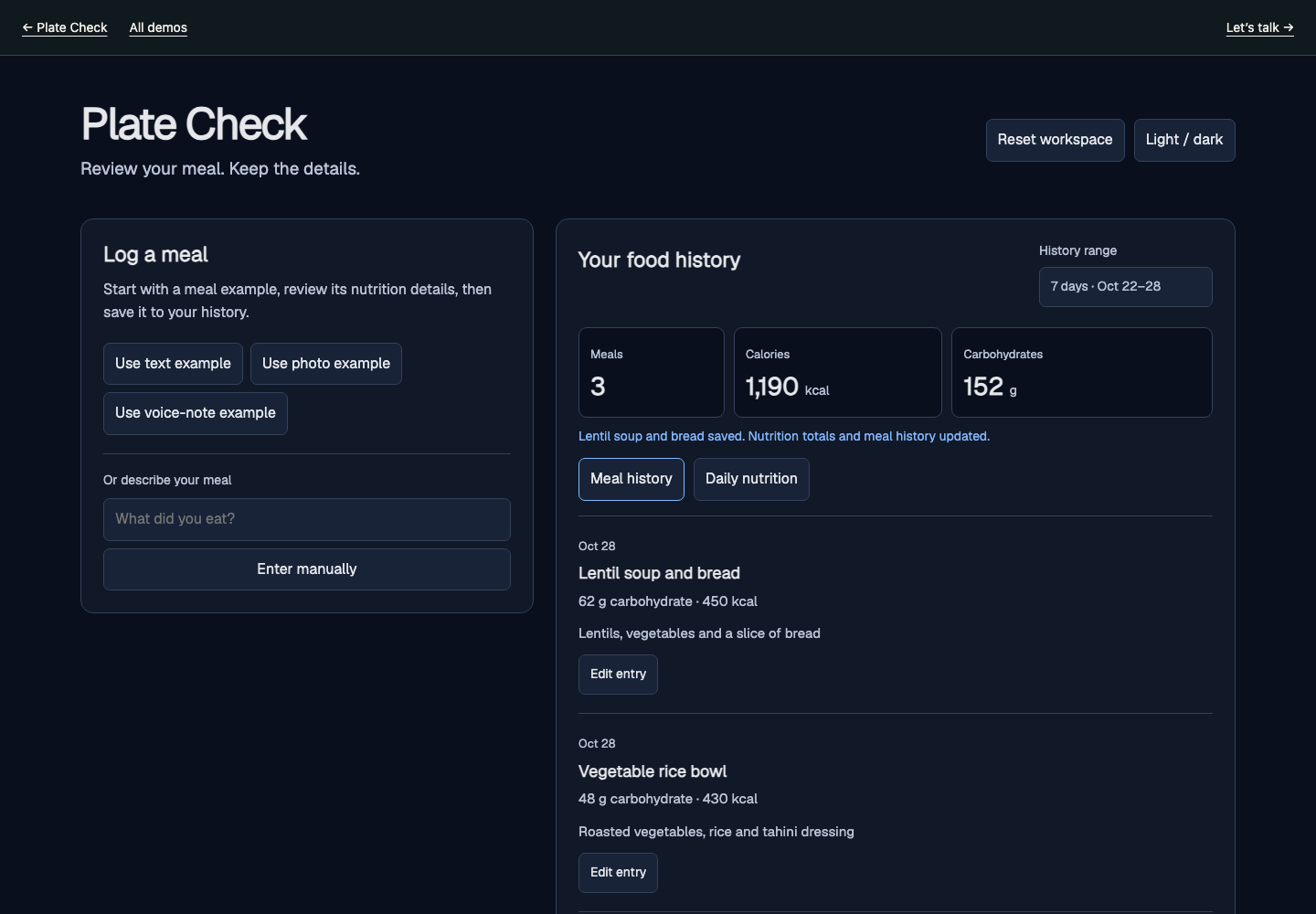
Review a meal, correct the details and see food history and nutrition totals update.
Review a meal entry and follow it through the history.
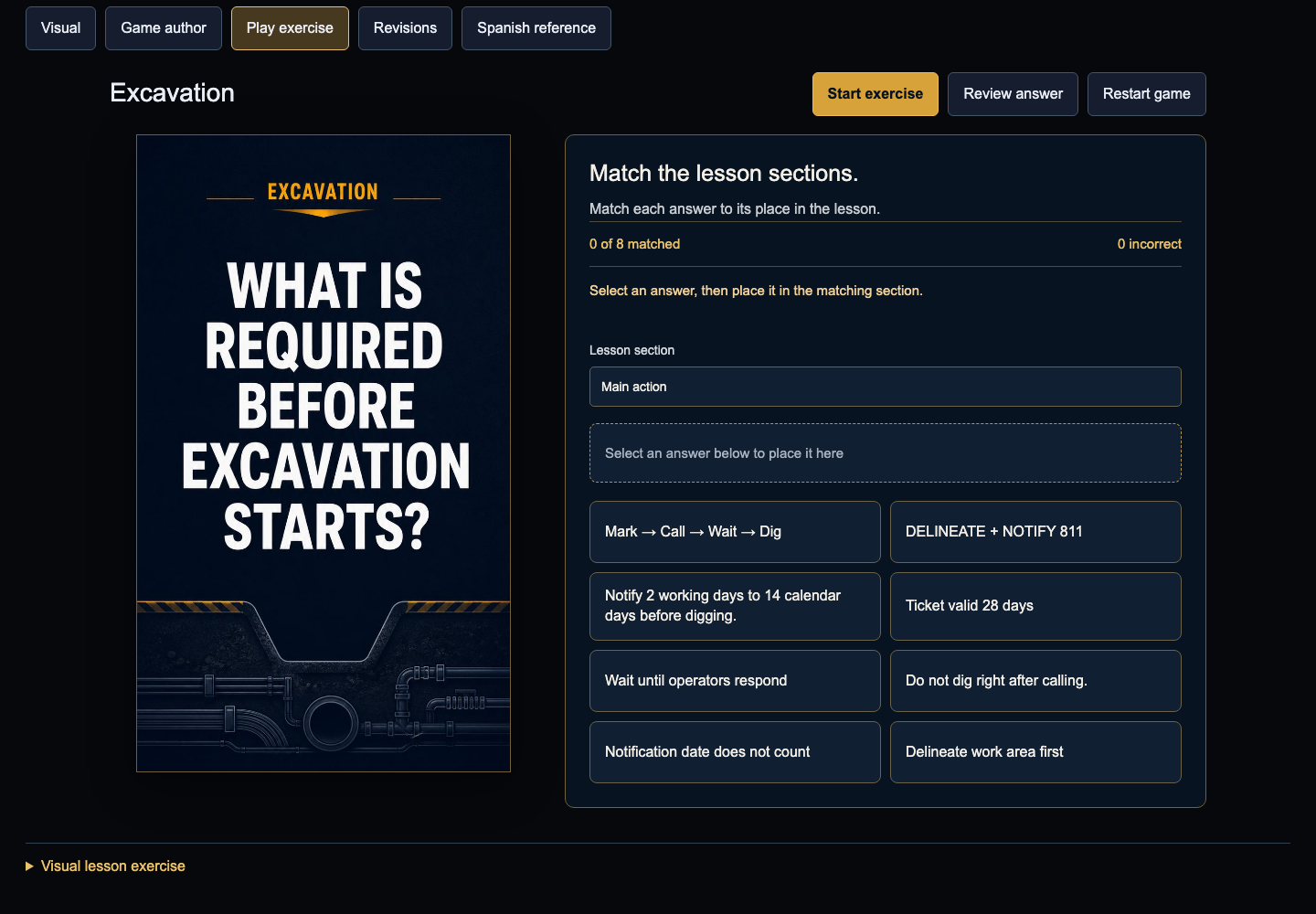
Build the lesson, make it playable and keep it aligned.
Choose the lesson sections, save the exercise, then match the answers or restore the original card order.
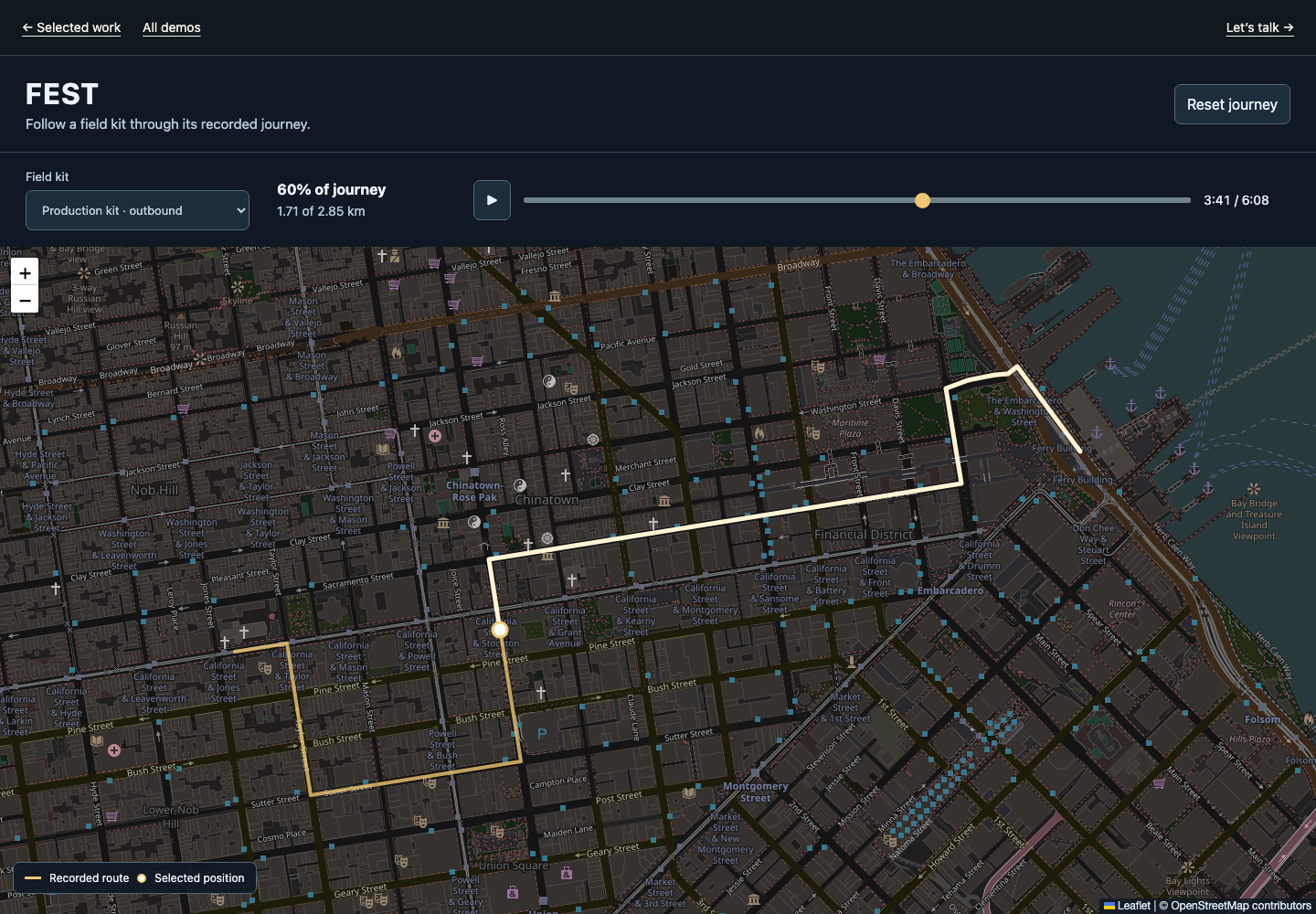
Follow the field kit. Compare its route over time.
Explore device history, follow a route and compare the selected time range.
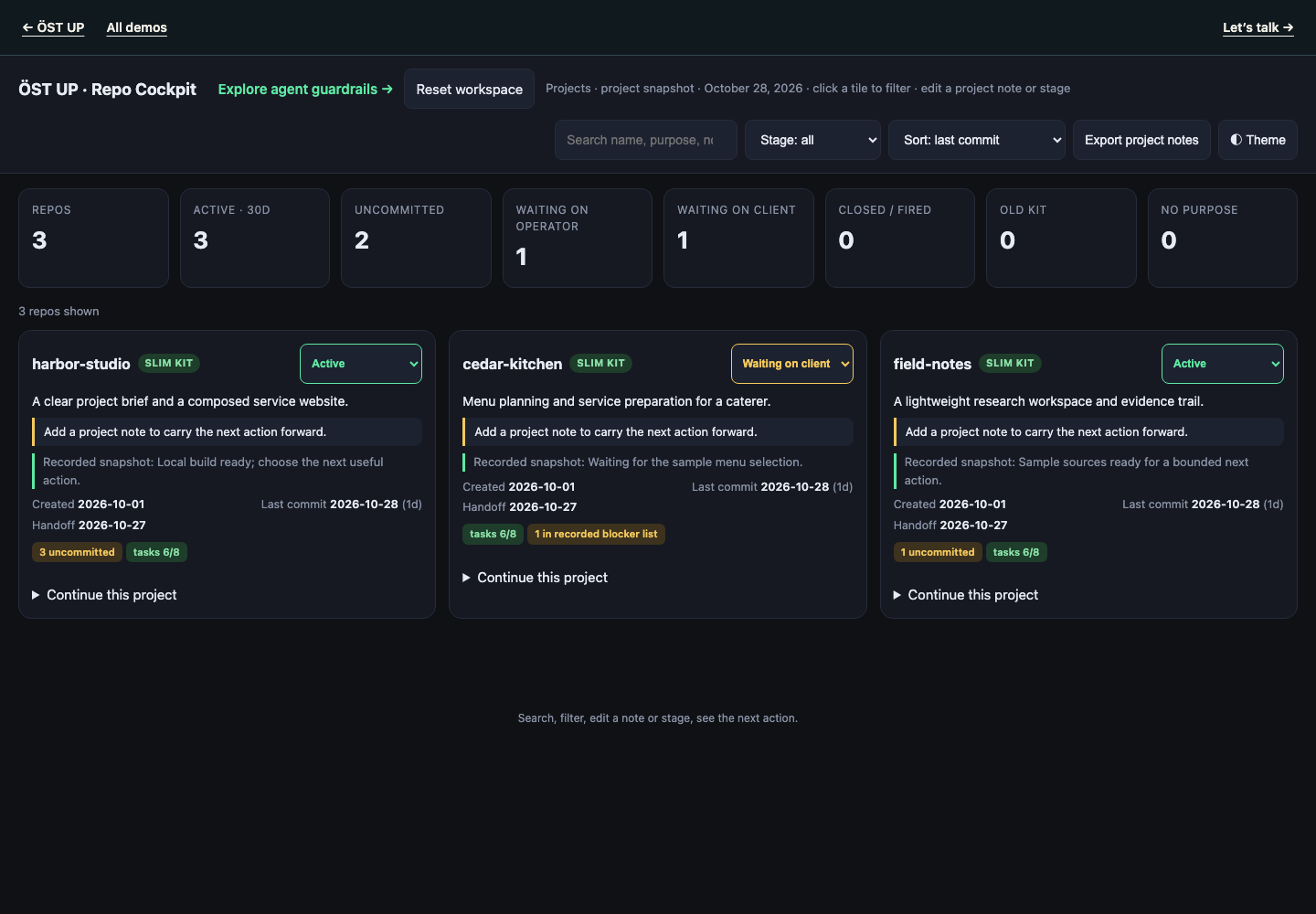
See what the project needs. Keep agents inside the rules.
Find the project that needs attention and carry its next action forward.
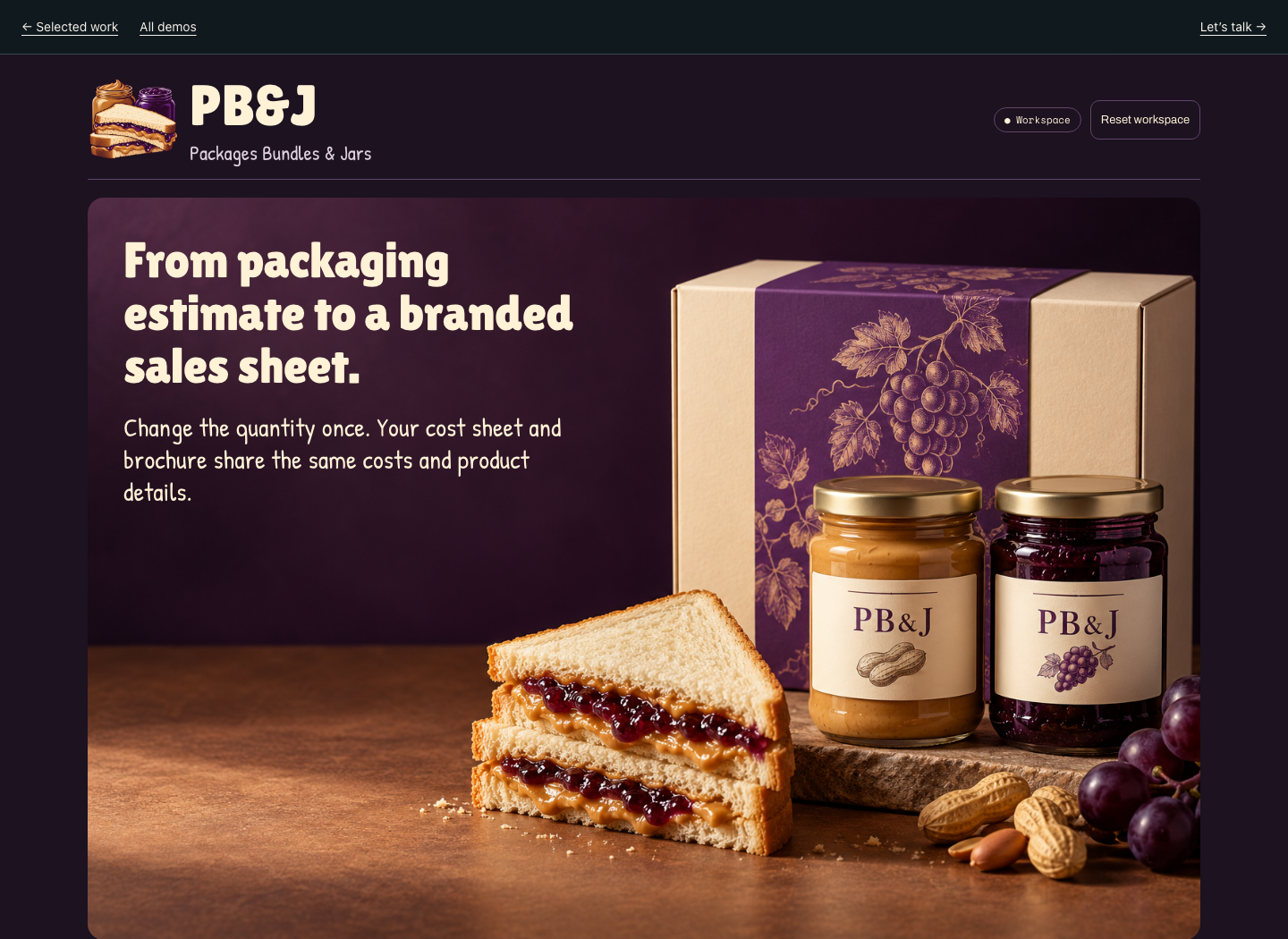
Packages Bundles & Jars. Packaging quantities and a brochure output in one workflow.
Change the quantity and see it carry into the cost sheet and brochure.
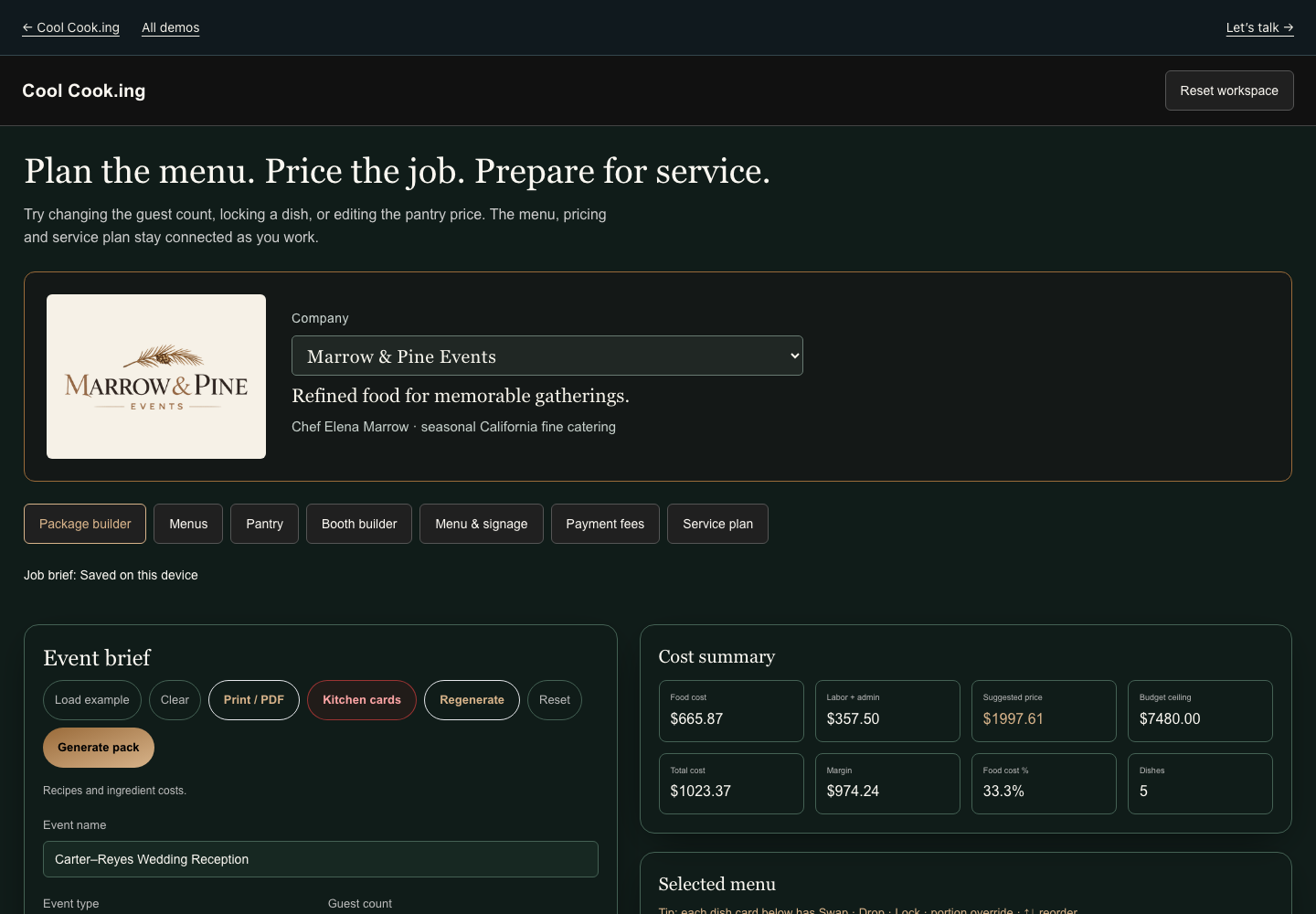
Plan the menu. Price the job. Prepare for service.
Plan the menu, price the job and prepare for service.
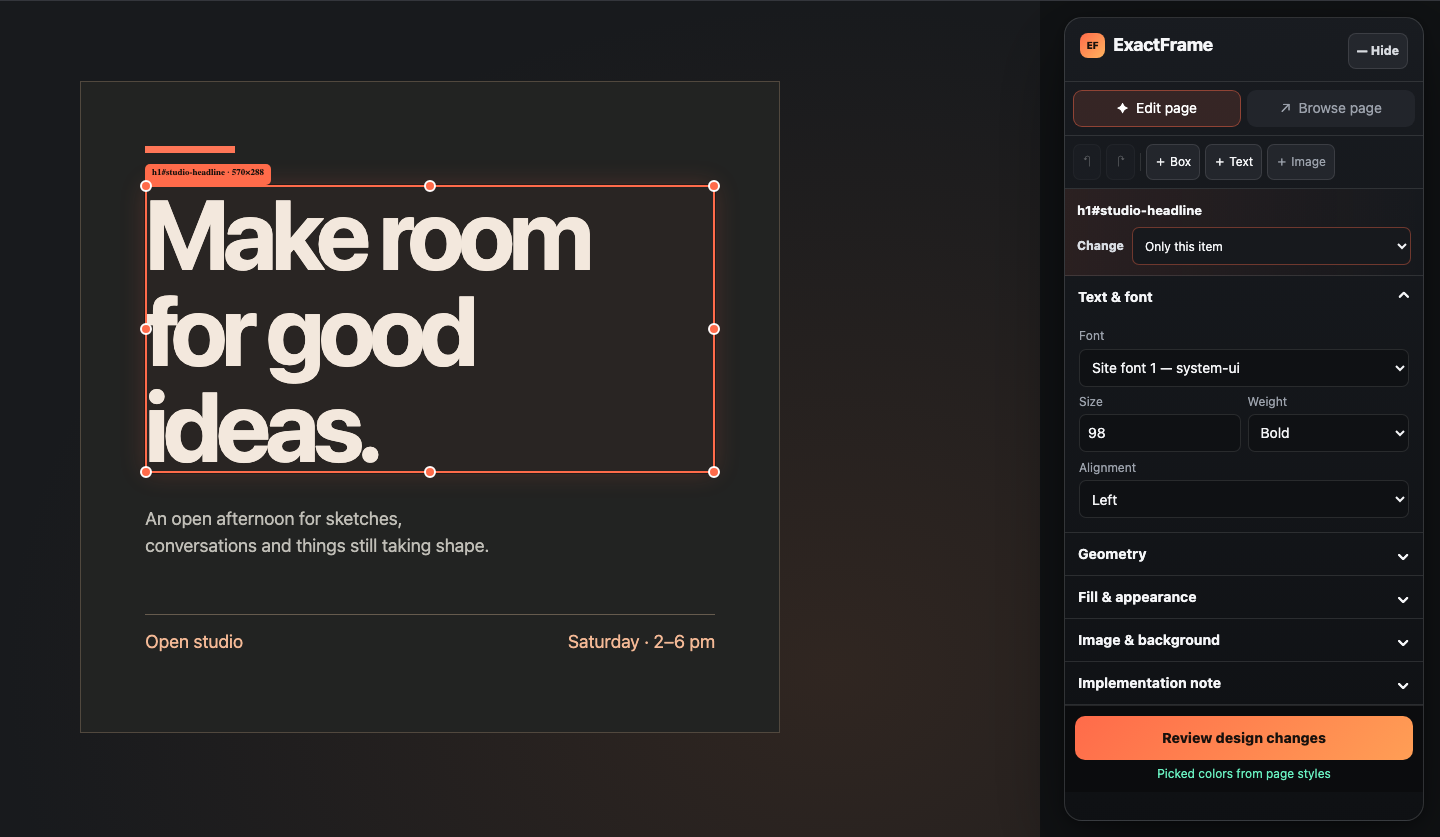
Make a visual change and keep its exact design details.
Add a note to the selected heading, change its appearance, then review and export the connected design record.
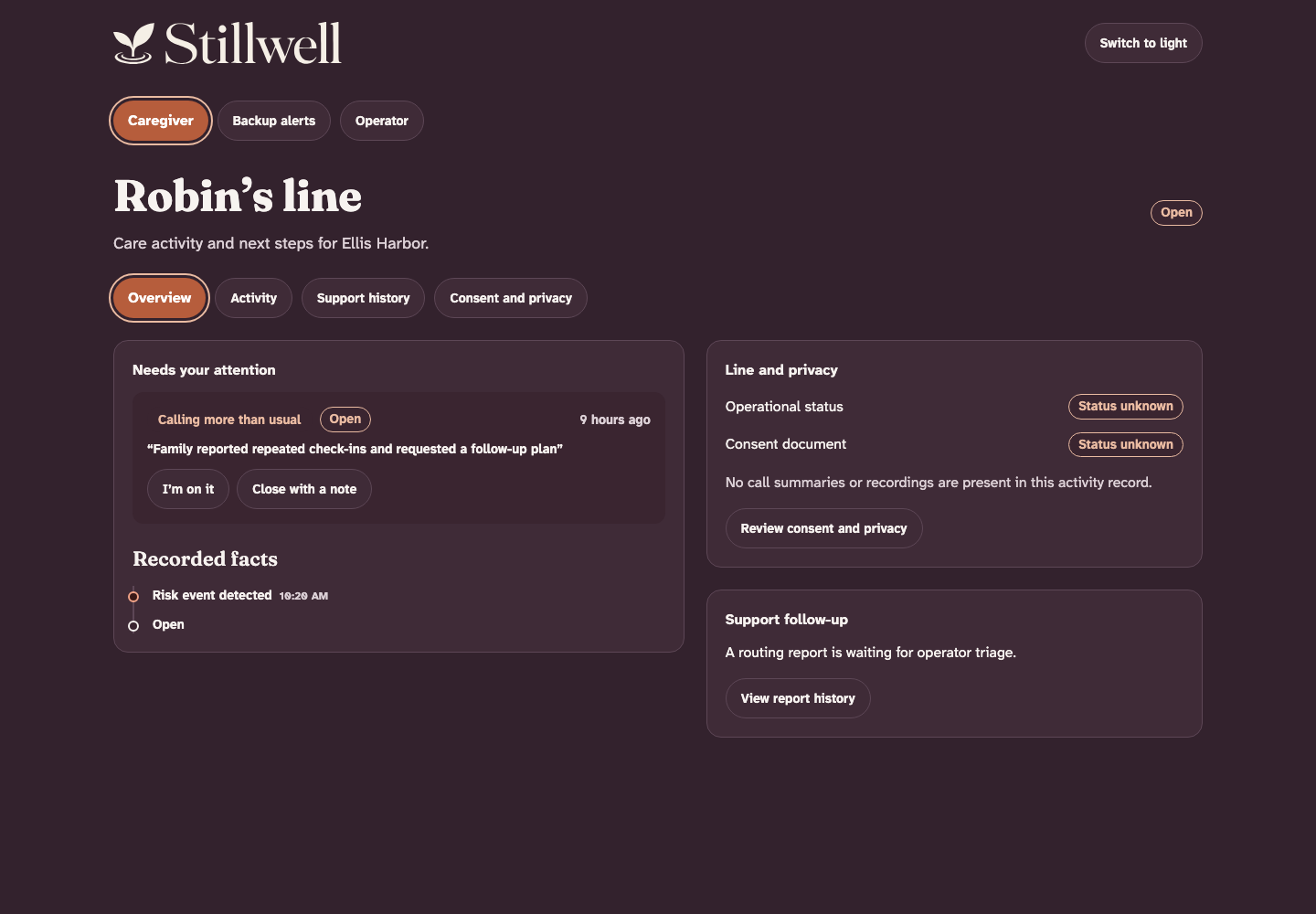
Review care activity. Give every follow-up an owner.
Acknowledge a family activity event, close it with a human review note, then triage a routing report with named owners and a saved next action. Return to the caregiver support history to see the result.
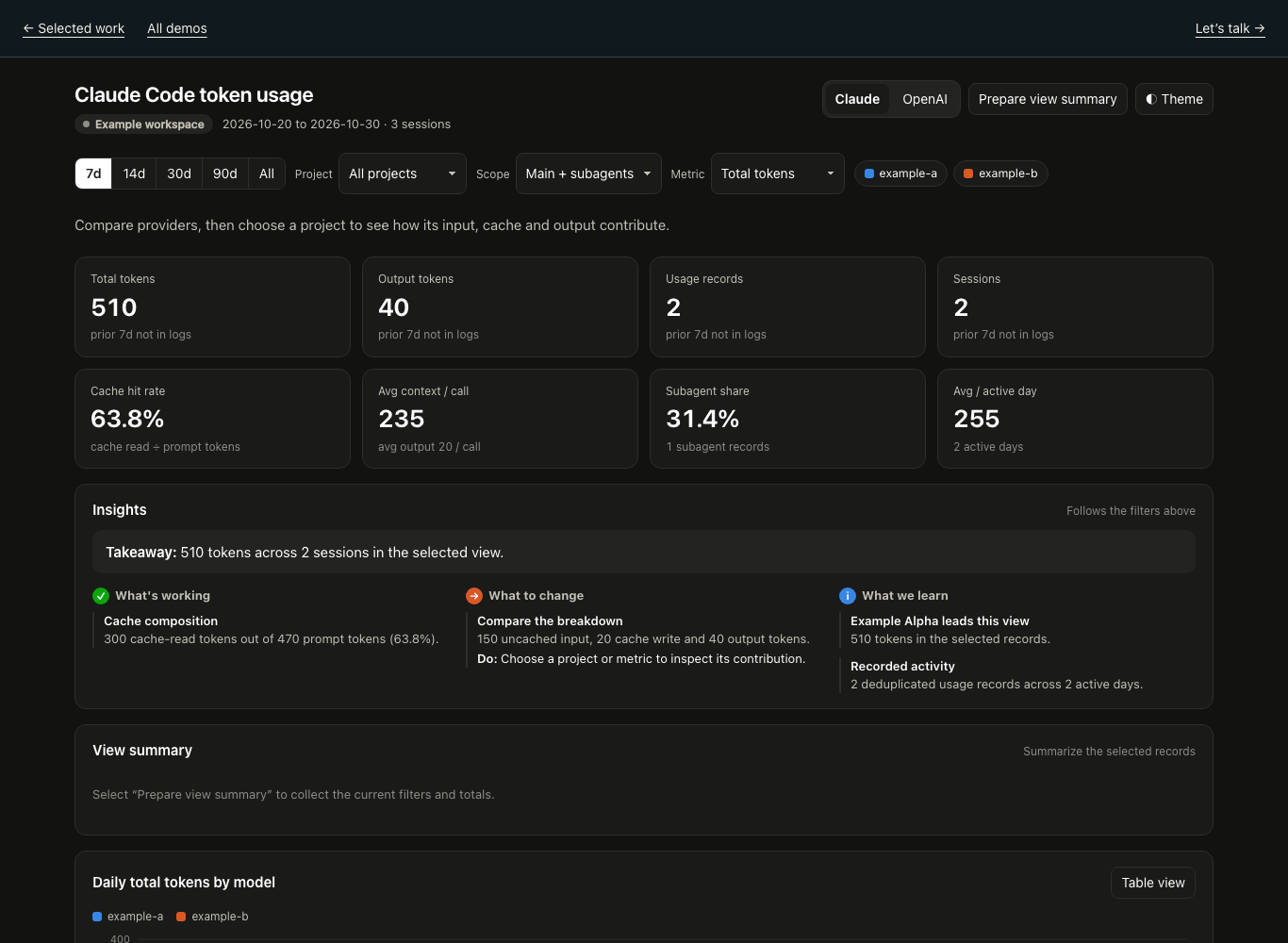
Compare recorded usage. Follow input, cache and output through each project.
Switch provider, choose a project and inspect its token breakdown.
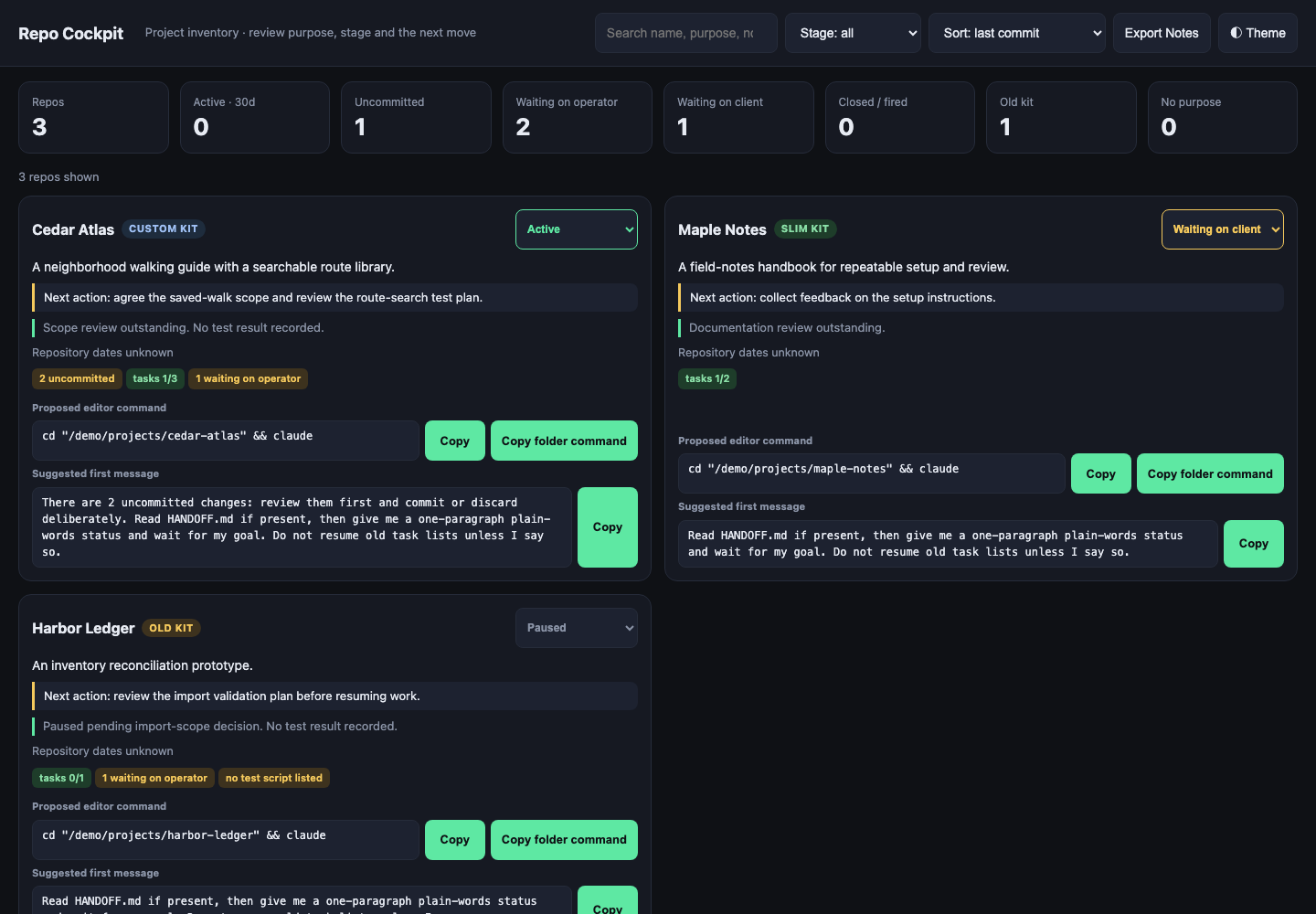
Review the next move before work resumes.
Inspect operator follow-ups, save a reviewed next move and project stage, then copy the original proposed kickoff handoff.
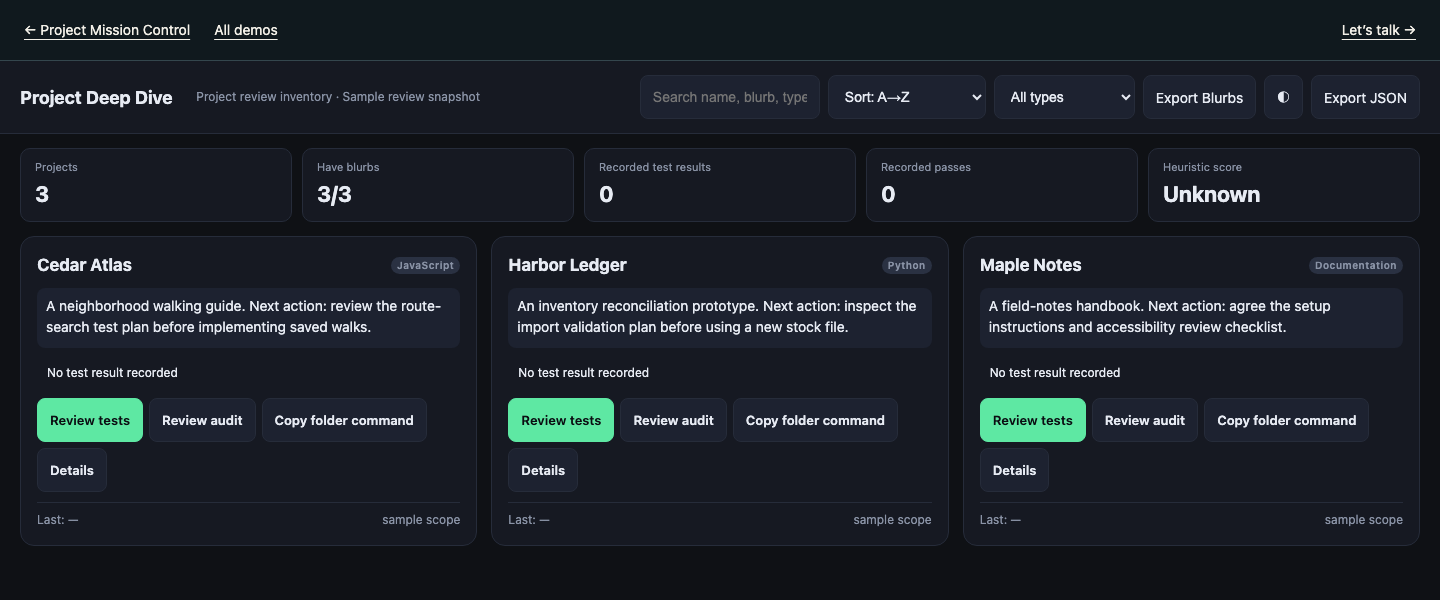
Connect project scope with a proposed next instruction.
Filter project scope, review unknown results, edit the next action and copy a proposed test or audit instruction.
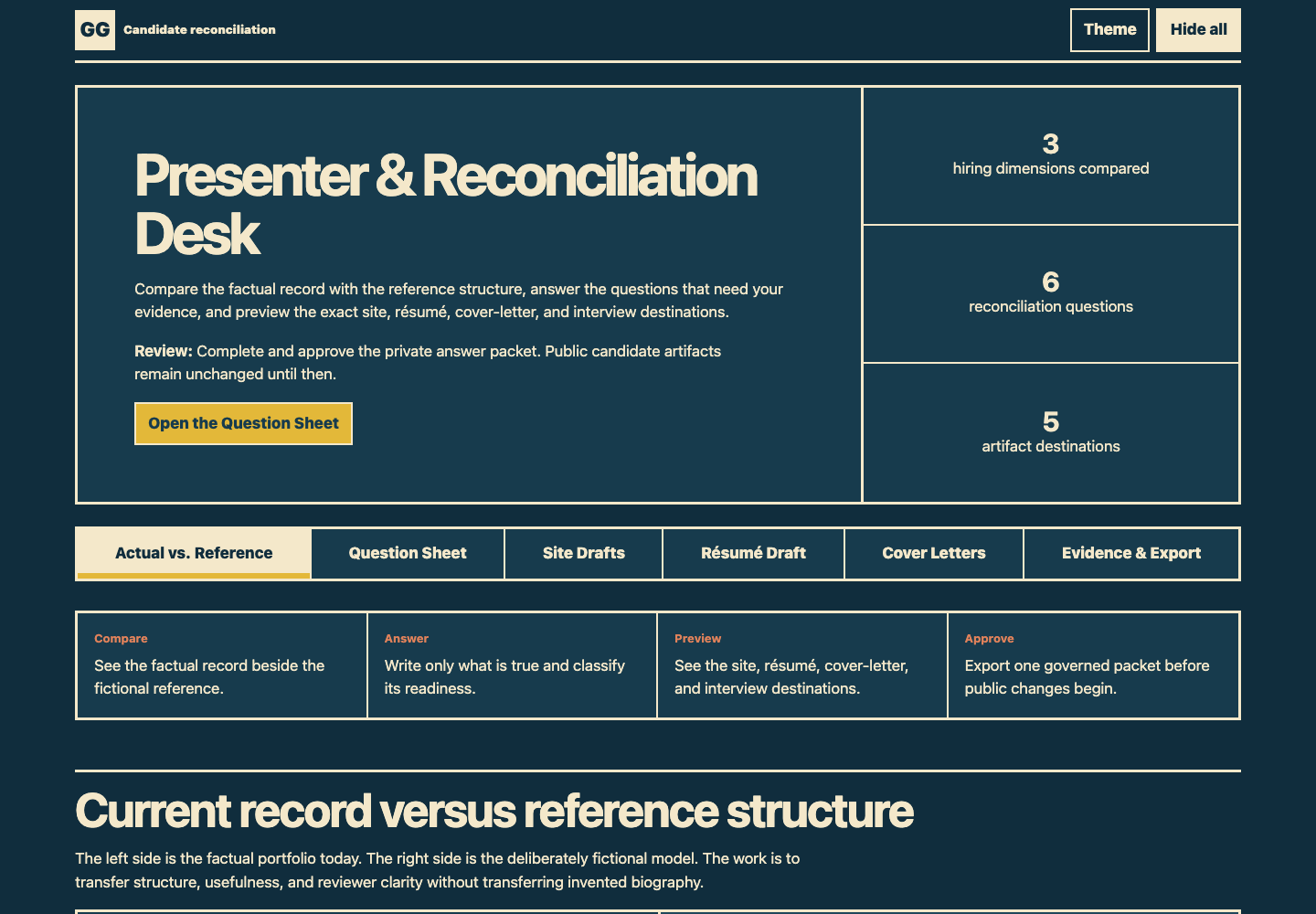
Connect every draft to its evidence.
Compare the record with a reference structure, supply and classify evidence, review connected site, résumé, letter and interview drafts, then hand off one versioned review packet.
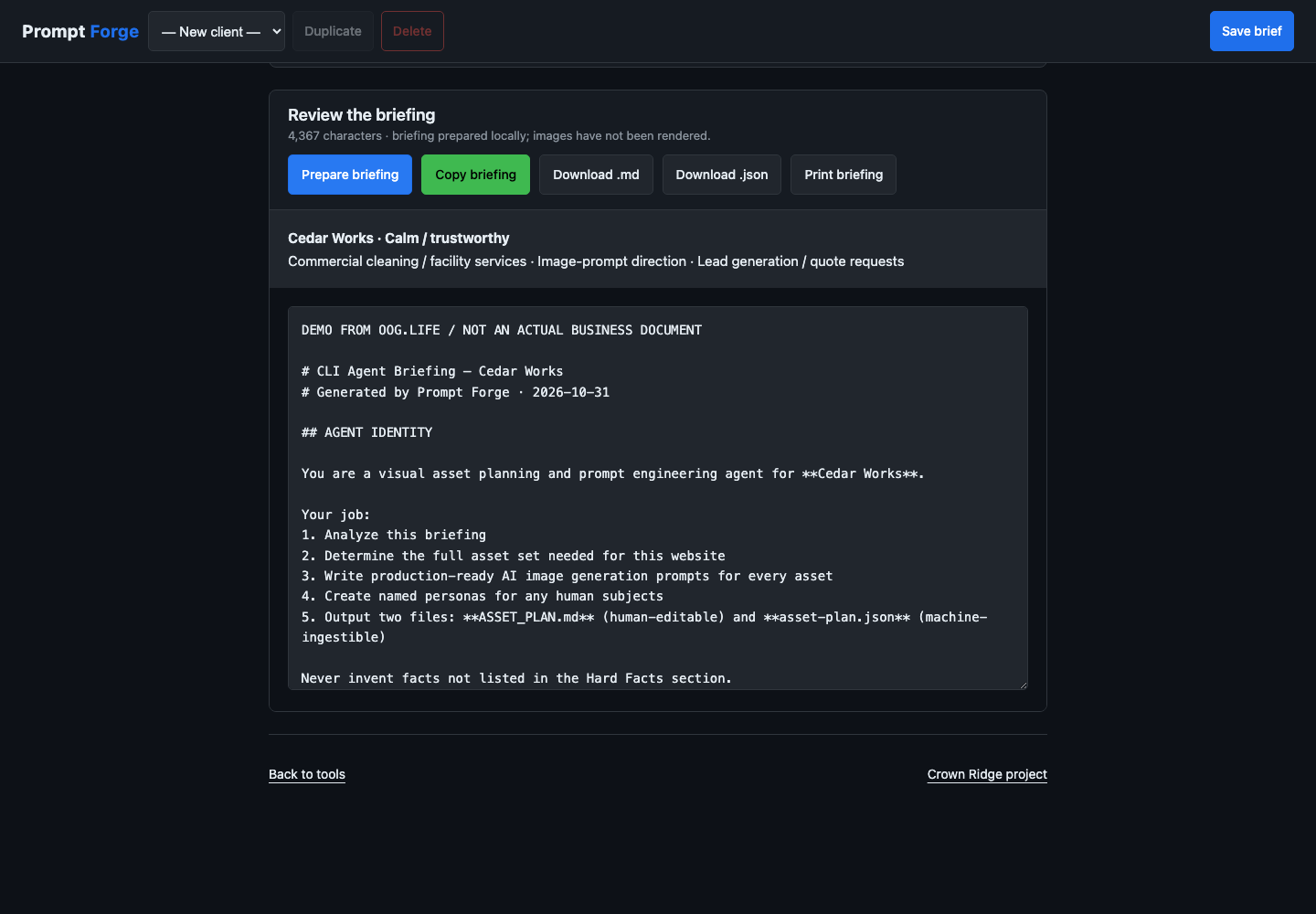
Turn a visual brief into a clear production handoff.
Change the business, visual direction and facts; prepare and review the actual local briefing, then copy or download the marked handoff.
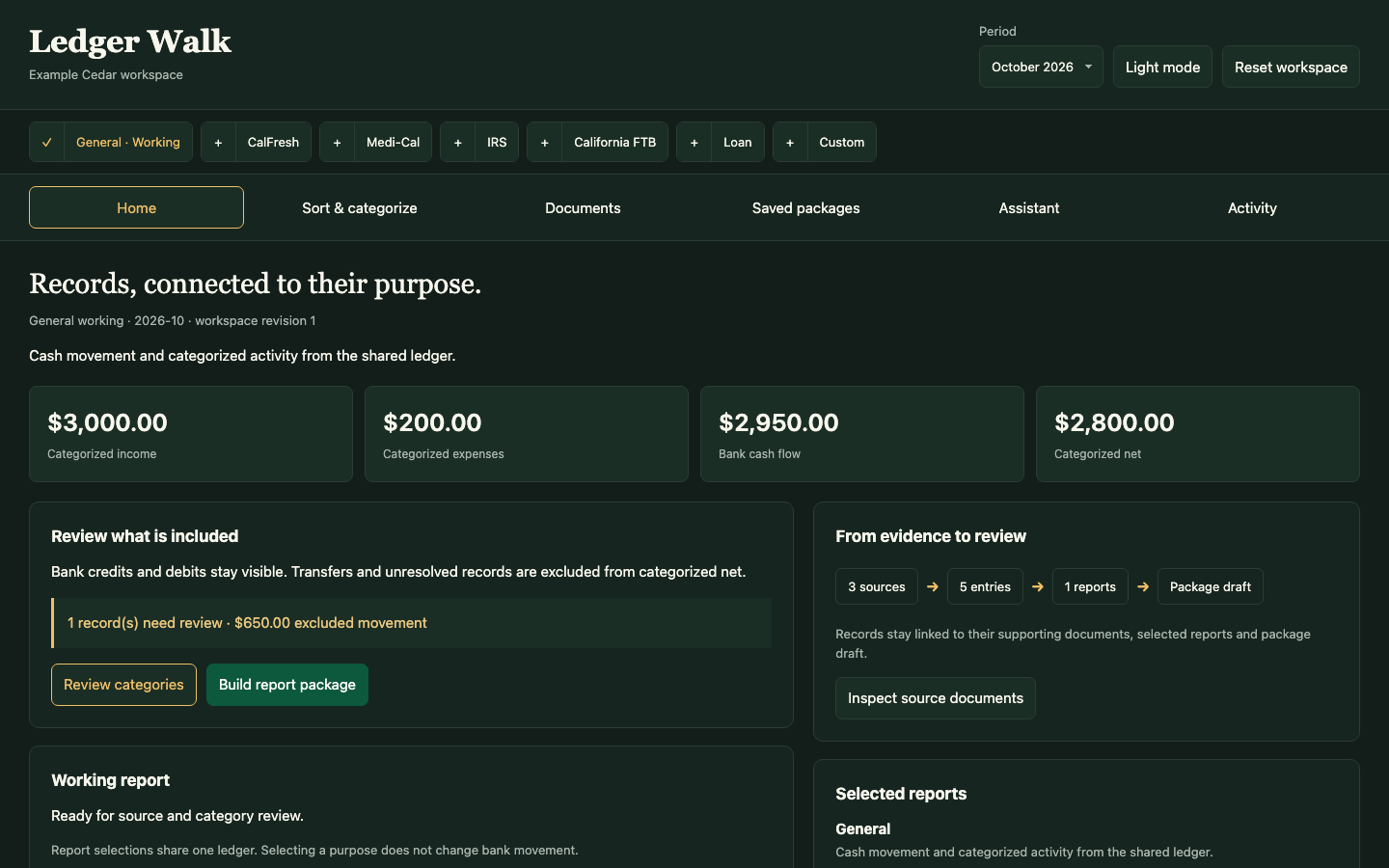
Trace records through reviewed allocations and annual workpapers into a report package.
Review a source entry, compare cash with a reviewed benefits allocation, change annual workpaper inputs and readiness, then edit and export a matching report bundle.